Poinsettia
- Available on Insiders (13/11/2026)
EasyLife 365 Collaboration introduces guest portals: before a guest gets access, they go through a short journey that you design, and they can sign the documents you need along the way.
What’s new?
-
Guest portals
- Welcome guests your way. Instead of Microsoft's invitation email, the guest gets a link to your portal. They confirm their email address, read your welcome page and go through your steps before they accept the invitation.
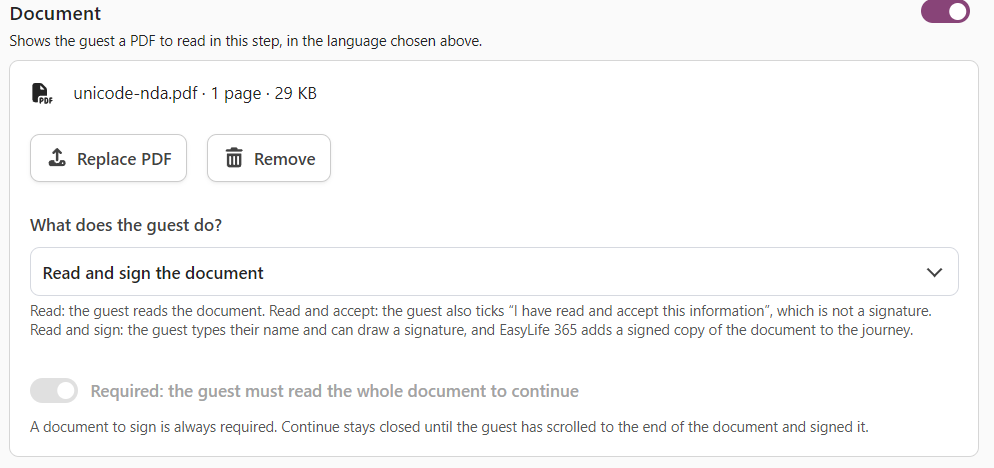
- Read, accept or sign. A step can show a document that the guest reads, accepts, or signs with their name and a drawn signature.
- A signed copy for everyone who needs it. Each signed document gets a page that records who signed and when. The copy can go by email to the guest, to the person who invited them and to a mailbox of your choice, such as your records team.
- Always in view. The details of a guest show where they are in the journey and which documents they signed.
Read more in Guest Portals.
How these updates will affect you
- Guest portals stay off until you choose a guest portal as the invitation method. Your existing guests and the standard invitation do not change.