OneDrive
EasyLife 365 allows you to view and manage the status of OneDrive policies assigned to your organization's OneDrive accounts.
To exclude a specific OneDrive account from policy-based scans, apply the Exclude from Scans policy:
- Select the desired OneDrive account.
- Change its policy to Exclude from Scans.
- Click the Exclude from Scans button to apply the policy.
This action prevents the selected account from being processed in future automated scans.
Overview - Show/Hide Columns
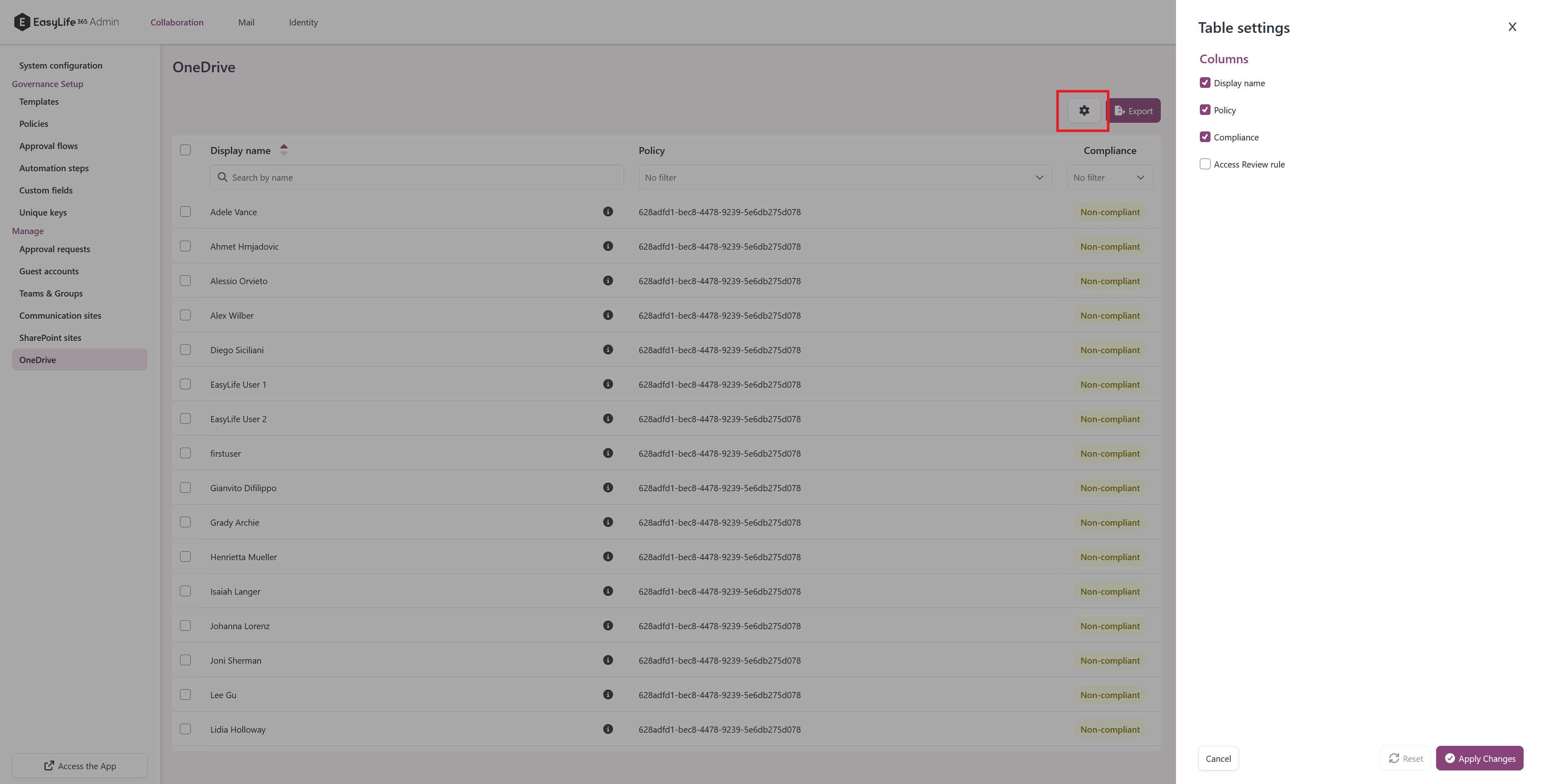
The overview table allows you to customize the displayed columns. To show or hide specific columns, click on the column chooser icon located at the top right corner of the table. This will open a panel where you can select or deselect columns based on your preferences.
Compliance panel
The Details panel lists only the rules that are actually being evaluated on that OneDrive account. See Compliance panels for what is shown and why.